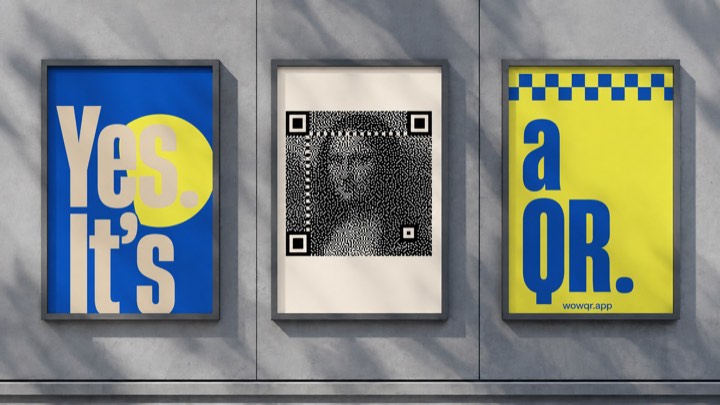
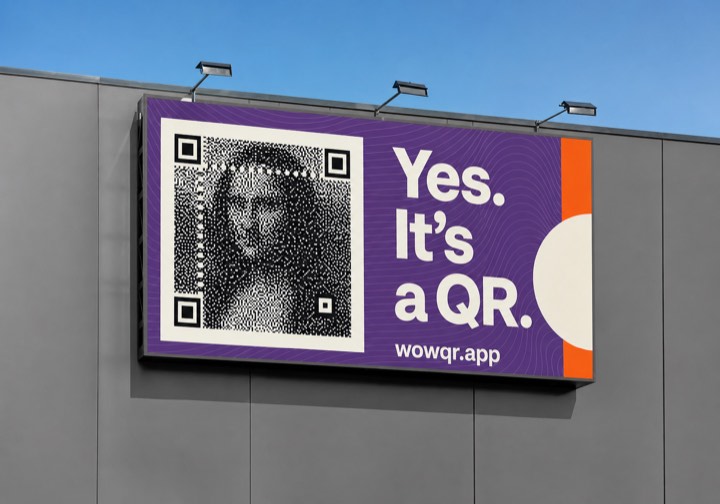
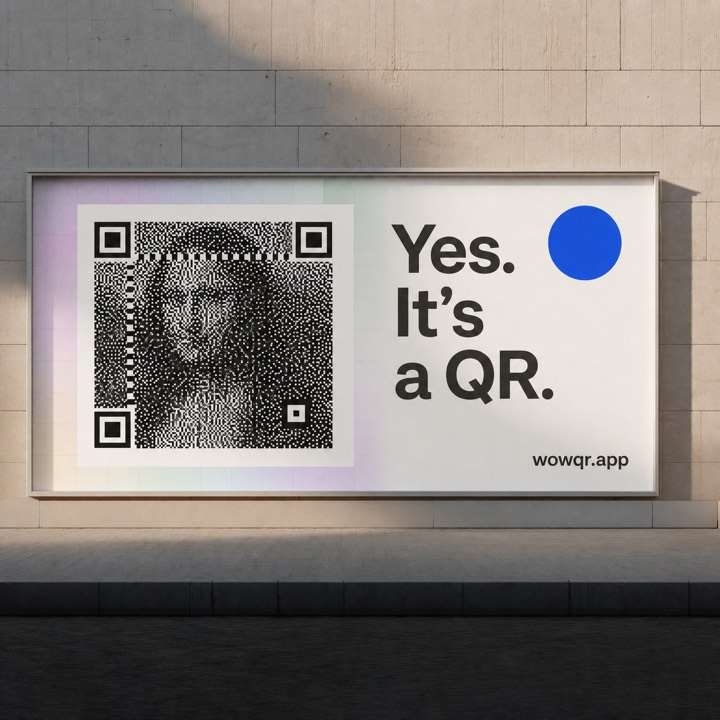
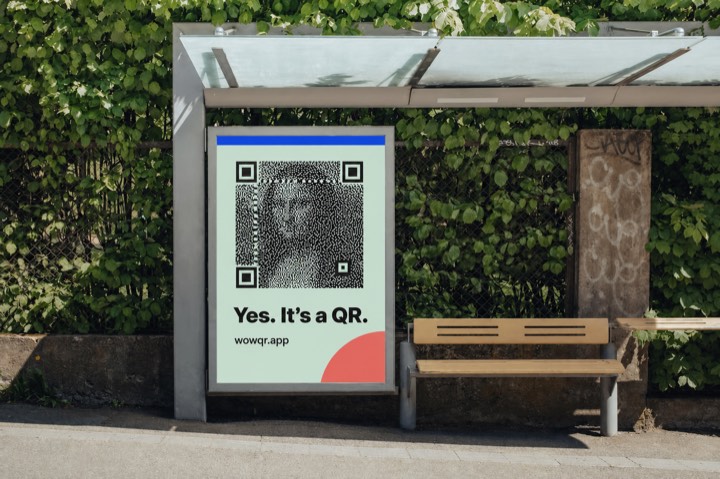
Image-based QR codes
Add an image and destination URL to create a dithered QR code, then download or print it.
QR code preview
Preparing…
Add an image and destination URL to create a dithered QR code, then download or print it.
Preparing…
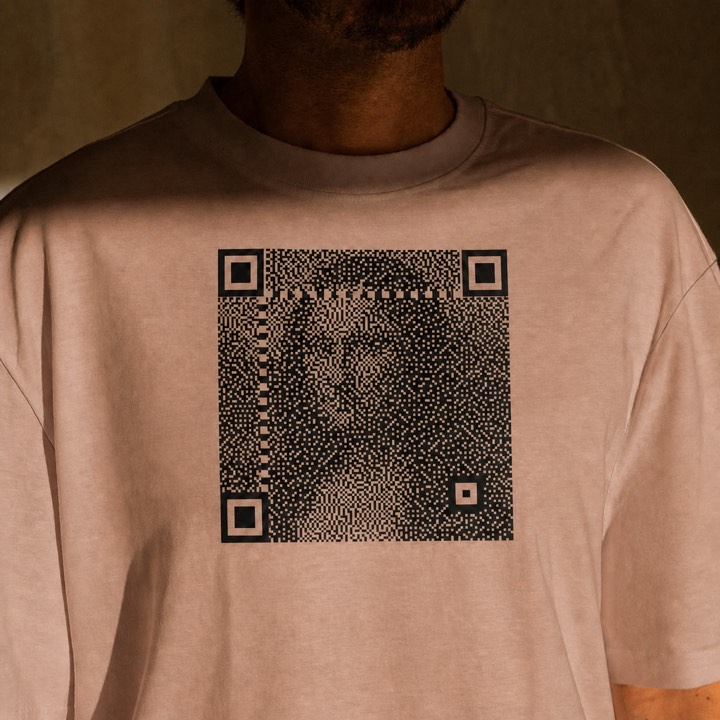
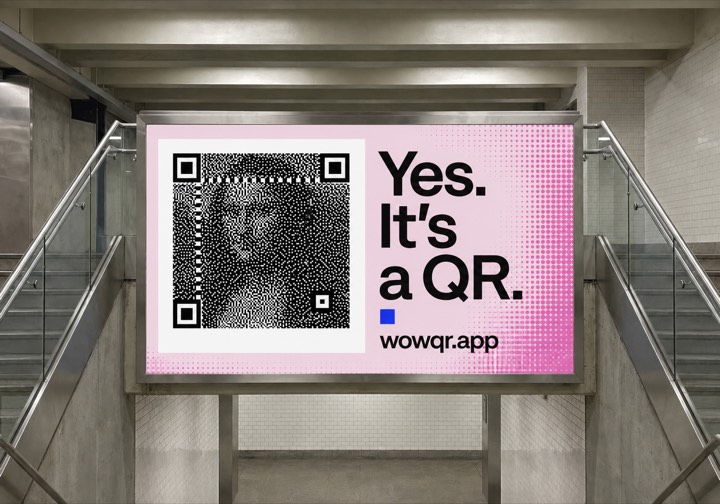
A QR code is more forgiving than it looks, and three things in particular make room for a photograph inside one.
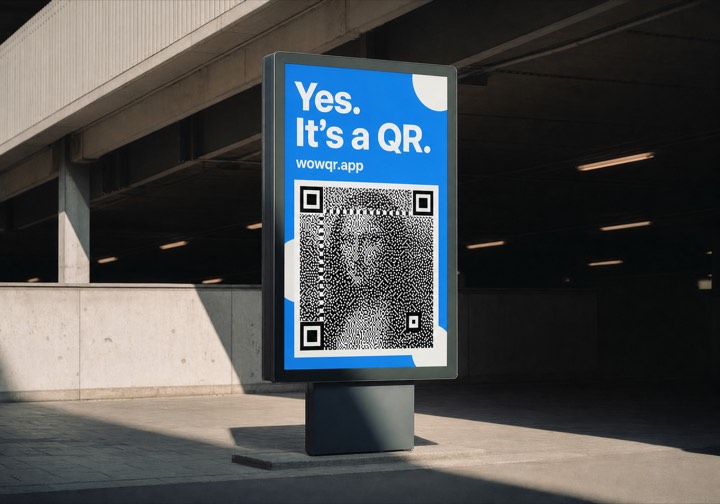
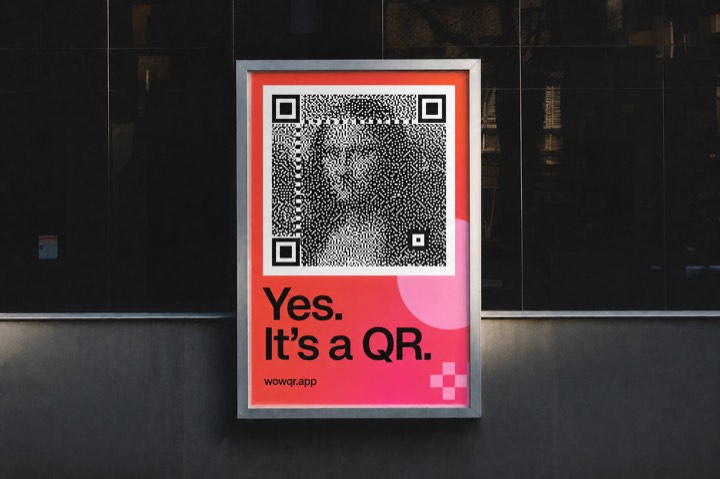
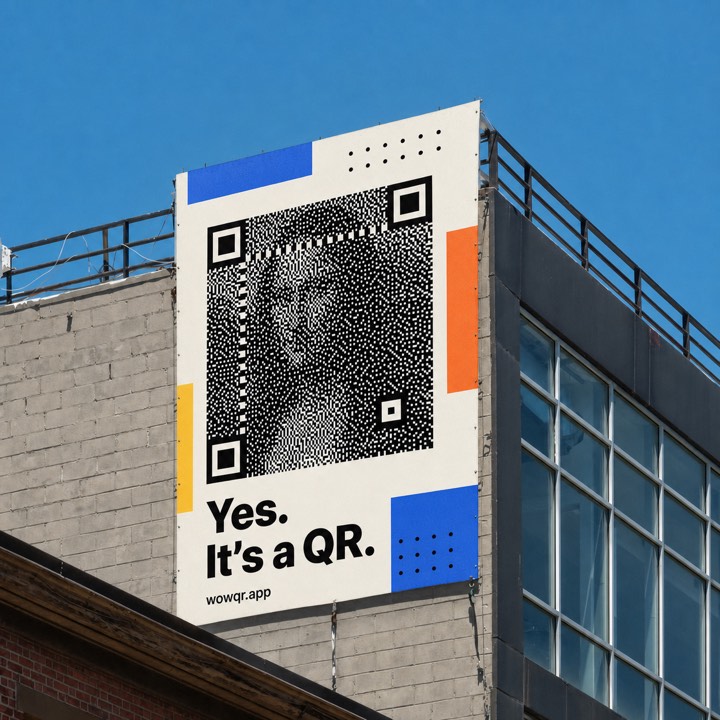
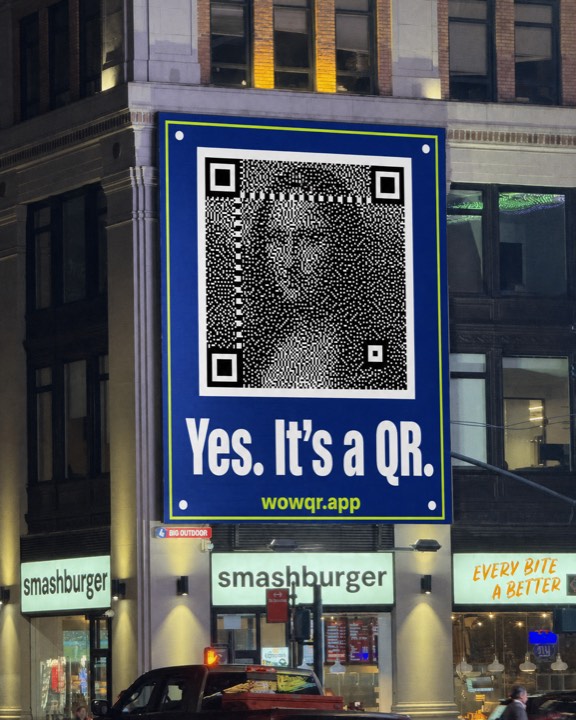
Every square in a QR code is drawn here as a 3×3 block. Only the middle pixel is held to the value the code needs — the other eight are free to carry the picture. Decoders sample each square near its centre, so the part they read stays true while everything around it becomes image.
The three corner squares, the dashed timing lines running between them, and the smaller alignment blocks are drawn at full strength, with no image in them at all. A scanner needs those to spot the code, square up the perspective, and lay its grid over the rest before it reads a single bit.
QR codes carry Reed–Solomon redundancy, in four levels. This uses the highest, level H, where roughly 30% of the code can be unreadable and it still decodes. That margin absorbs the squares where a dark passage of the photograph pulls the reading the wrong way.